I have created a profile within my Clearpass Guest portal. This profile is intended for SPONSORS (aka authorized employees) to allow guests access to our wireless.
CP Guest - Administration > Operator Logins > Profiles > created a new Profile called Sponsor.
This profile has been edited to only reveal a few access items (i.e. Create new guest account, change expiry, etc).
When my sponsors login to the CP server with their credentials, the page displays correctly and shows the user only the few access items we have allowed. This works great.
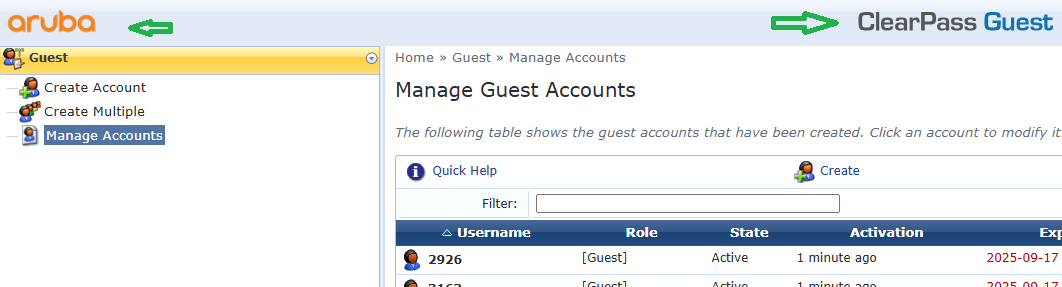
However, along the top of the screen is the "Aruba" logo and the "Clearpass Guest" menu bar.
is there a way to modify the Aruba logo to my own logo? or hide this bar? how about changing the name of the Portal page from ClearPass Guest to "Sponsor page" or something like that?
Thanks for any help.
------------------------------
JoeUnited States
------------------------------