In the Operator Login Profiles, you can specify the user roles that are permitted. You can set an operator filter. Additionally, you can configure permissions for various menu items in ClearPass Guest.
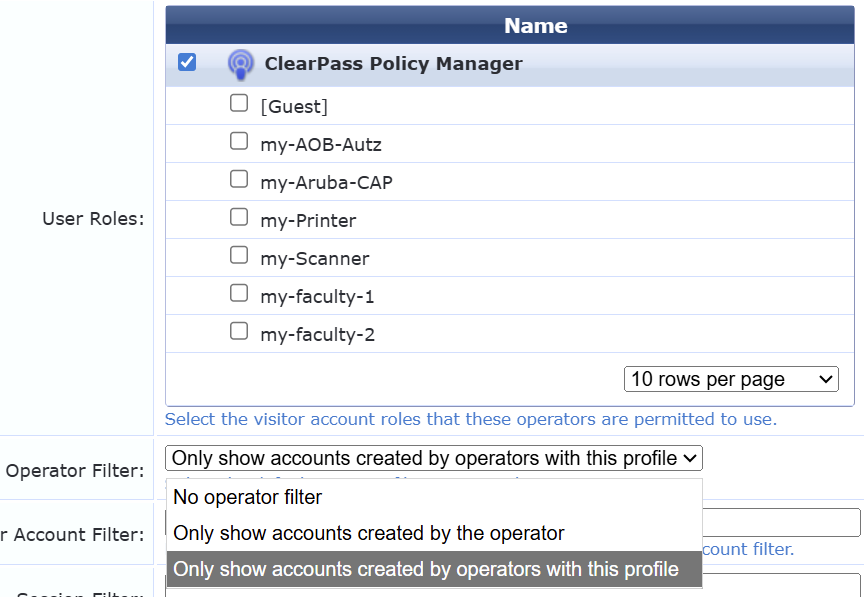
In the following example, the operator would see guest devices that were created by operators using their profile and that use one of the enabled values as their user role.
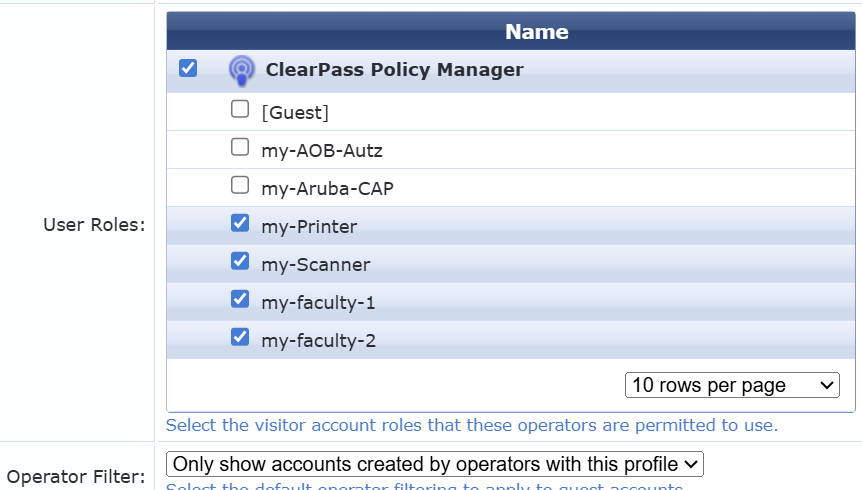
When using Device Edit or Device Create, they can also only use roles that have been activated in their profile.
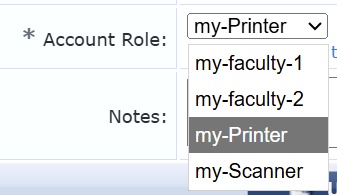 This becomes a problem when a super administrator from headquarters creates a device for Site A. The sponsor profile is always stored in the guest device; in this case, the field would also show "Super Administrator." As a result, the device would be invisible to the administrator from Site A using their operator profile.
This can be resolved by enabling the `sponsor_name` field in the `mac_create` form. When creating the device, the super administrator has to enter the operator profile name for Site A in this field to make the device visible to Site A admins.
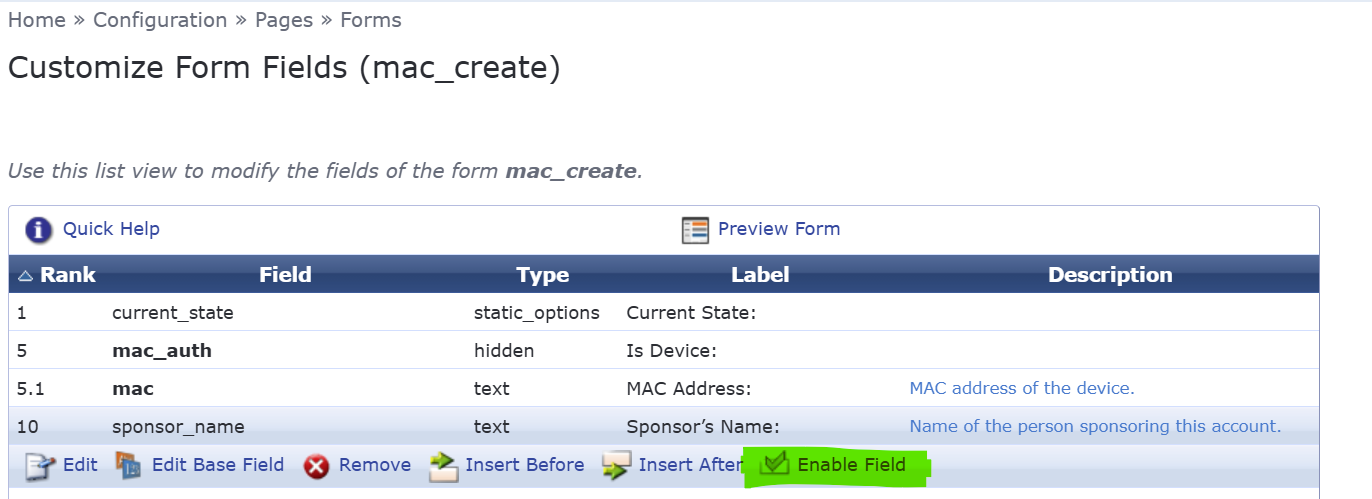
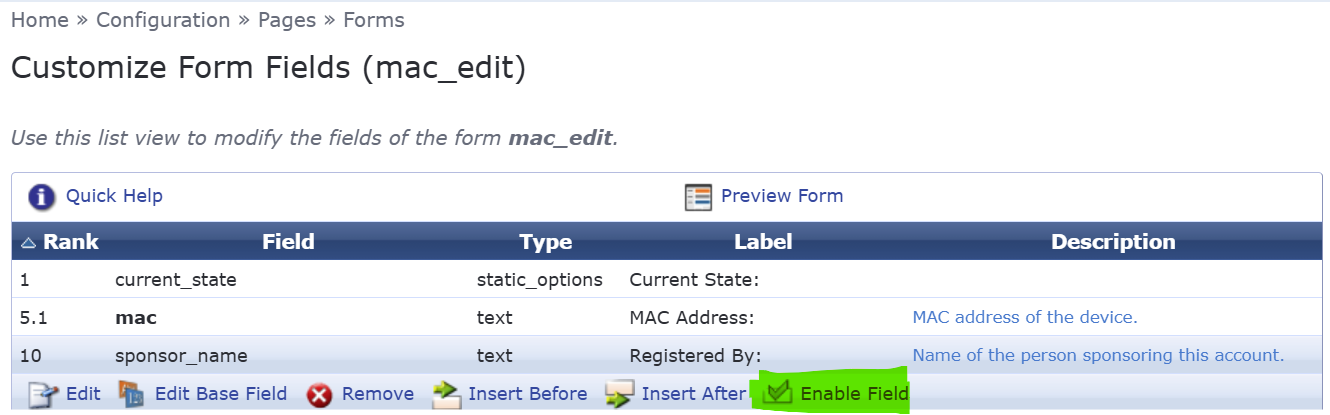
Similarly, the mac_edit form can be modified to enable the sponsor_name field there.
All you need to do is make sure that the operators are assigned to the correct profiles during login, for example by checking their AD group membership.
------------------------------
Regards,
Waldemar
ACCX # 1377, ACEP, ACX - Network Security
If you find my answer useful, consider giving kudos and/or mark as solution
------------------------------