Original Message:
Sent: Jun 27, 2025 08:49 AM
From: willembargeman
Subject: Entra ID authorization filter
Because the default filter is based on the mail field Entra would not give any response. Please try to update the Entra filter to the userPrincipleName field like this
users:users/?$select=userPrincipalName,displayName,id,accountEnabled,companyName,createdDateTime,department,employeeId,lastPasswordChangeDateTime,registeredDevices&$filter=userPrincipalName eq %{Authentication:Username};group:/users/%{users:id}/memberOf?$select=displayName,id,groupTypes
------------------------------
Willem Bargeman
Systems Engineer Aruba
ACEX #125
------------------------------
Original Message:
Sent: Jun 27, 2025 08:35 AM
From: Kevin Bernhardt
Subject: Entra ID authorization filter
Hey Willem,
Thanks for the info.
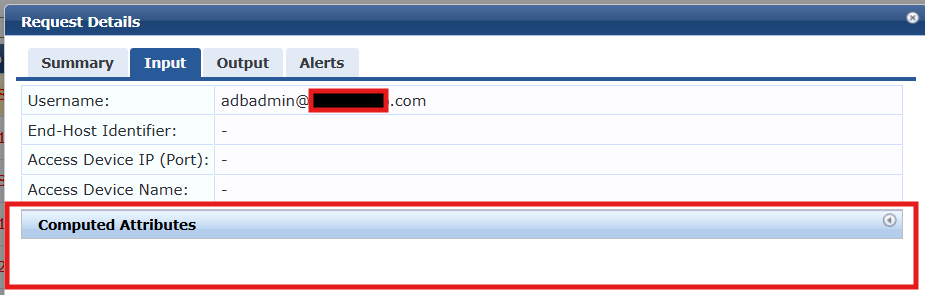
I'm able to reproduce this issue on any service where I apply Entra ID authorization, and the UPN(email address) is used in the authentication method. in this specific use case its happening on our SSO service for policy manager access.
We use admin accounts for logging into systems with elevated access. Most of these admin accounts do not have an e-mail account associated with them because they just don't need it, and we didn't want to waste the license. Because of that, the e-mail field is blank in Entra.
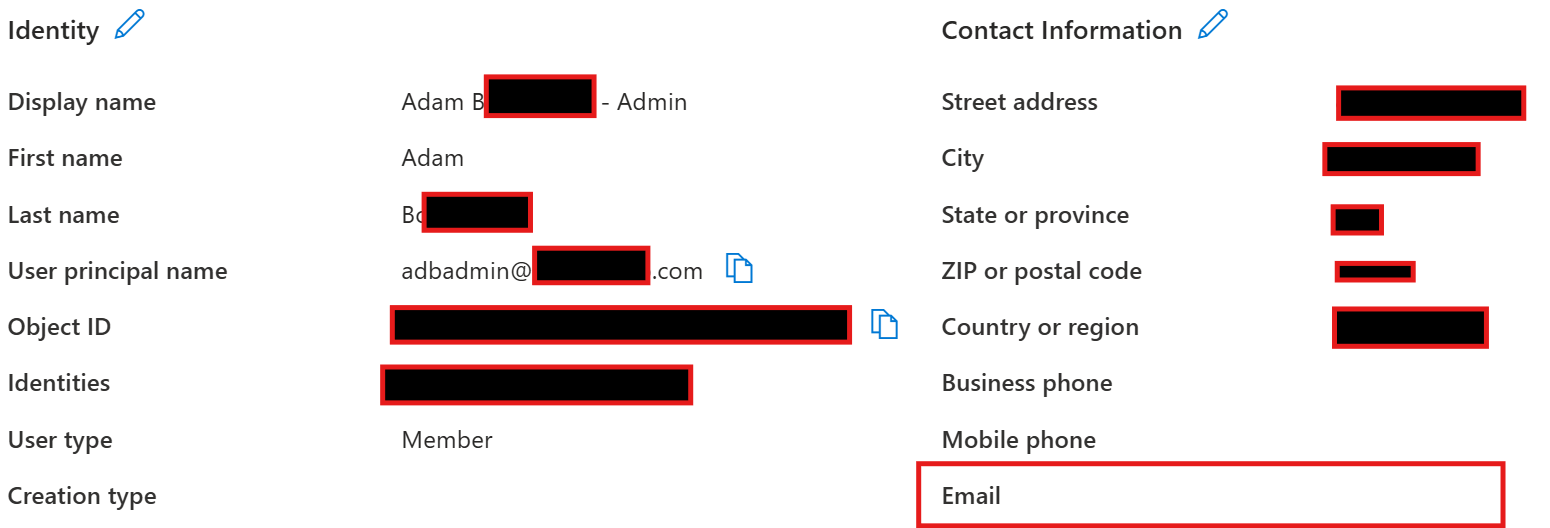
My hunch is because this e-mail field is blank, the filter is dropping the authorization request because the user's email does not match their UPN. (its blank)
If I repeat the same process on another admin account that DOES have an email account, everything works as expected and we get authorization results.
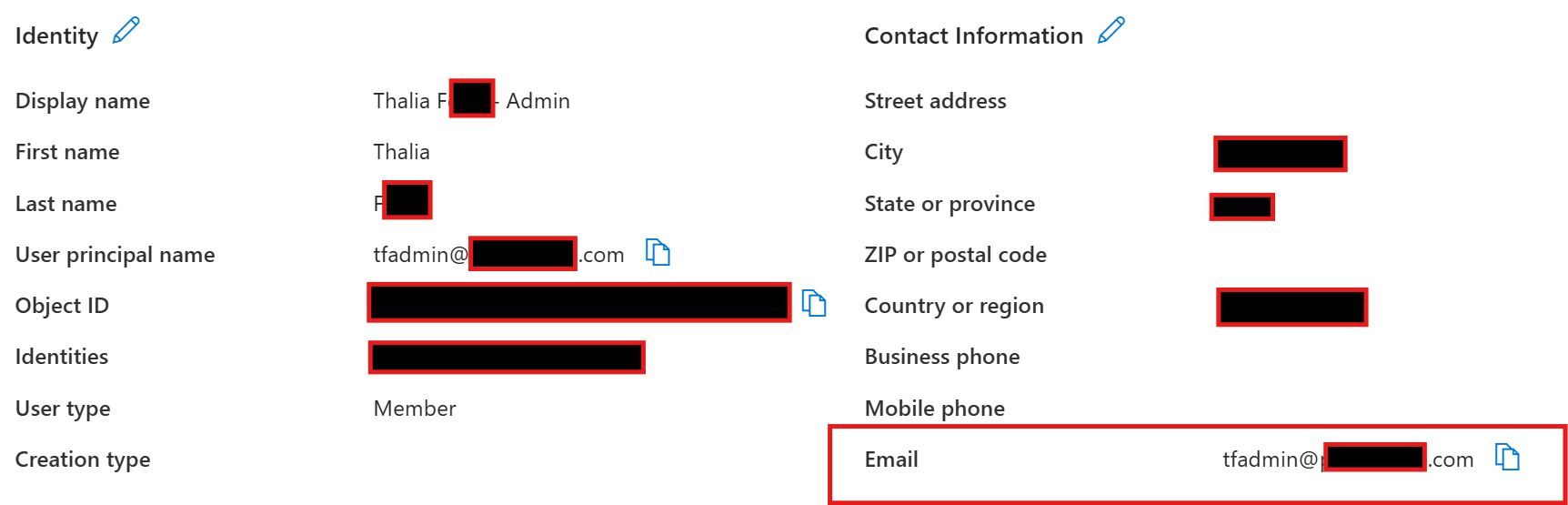
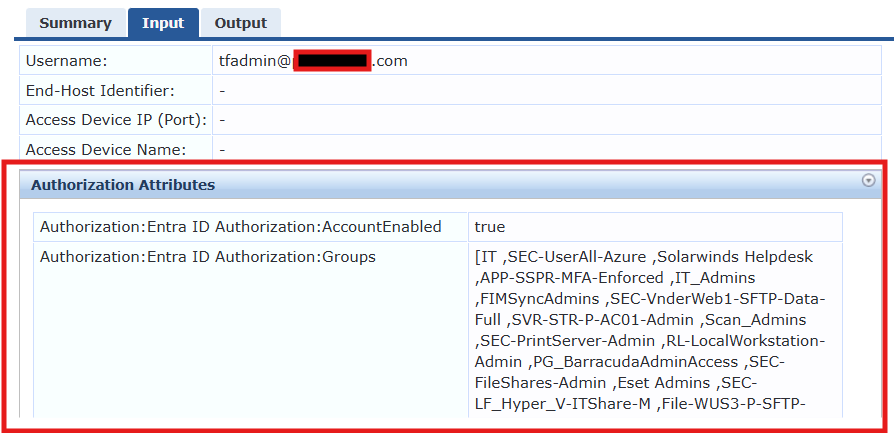
Beyond this, we have users from various acquisitions where their E-mail field does not match their UPN in Entra as well. I do not have a scenario to test one of those yet as I'm still working on deploying clearpass. But we may very well run into the same issue there as well.
Let me know if I can provide additional info and thanks for the assist!
Original Message:
Sent: Jun 27, 2025 06:13 AM
From: willembargeman
Subject: Entra ID authorization filter
Kevin,
The query is to filter search in Entra for the specific authentication request. The default filter search in Entra based on the mail attribute where the input is the authentication username. This is all based on the Microsoft Graph API. When Entra doesn't result any data in most cases the username doesn't exists in Entra. Can you share more details about the scenario when no data is returned?
------------------------------
Willem Bargeman
Systems Engineer Aruba
ACEX #125