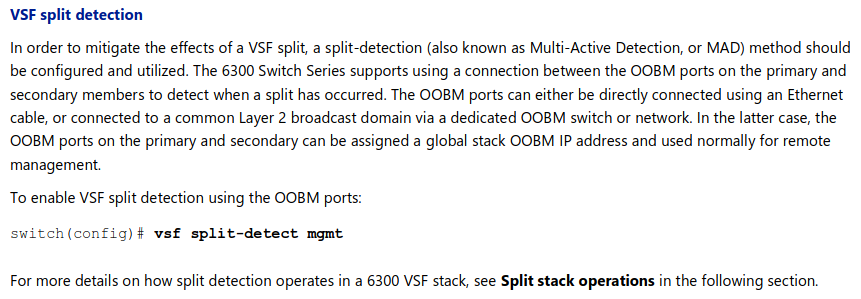
Hi, it's not exactly clear what Switch series are involved (AOS-CX based we believe). The deployment of a MAD (Multi-Active Detection) mechanism as a (stack) Split Brain mitigation is explained here (taken from VSF Best Practices for Aruba CX 6300 Switch Series):
To start with, annotate outputs of these:
show vsf
show running-config | line
switch config-validator feature vsf
AOS-CX commands, that's to validate the fact your VSF stack is missing the Split detection (MAD) and then act accordingly.
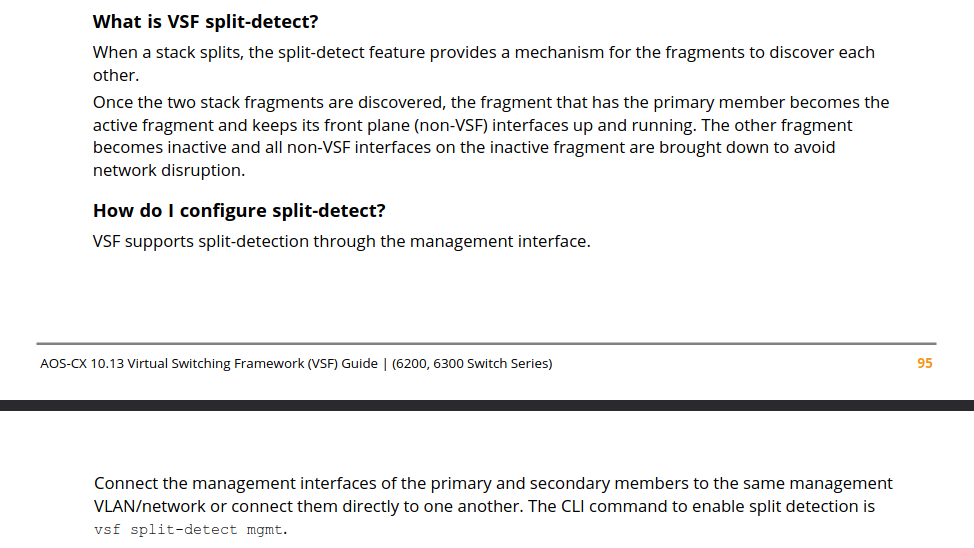
These Q&A came from the AOS-CX 10.13 Virtual Switching Framework (VSF) Guide (for Aruba CX 6200 and 6300 Switch Series):
Hope this could help you.
I add a clarification provided by Matthew Fern (back in 2020...) about Aruba CX VSF and Split Brain detection on VSF Primary and VSF Secondary members:
"Only the primary (member 1) and user-defined secondary are capable of operating as a VSF Conductor (formerly referred to as master). As such, a split brain scenario will only occur if these two switches end up on opposite sides of the split. If a split occurs and both the primary and secondary are on the same side of the split, all members in the other fragment will go down and stay down until the connection to the primary is restored. For this reason, only the primary and secondary members require their management ports to be connected for VSF split detection to function properly."
Kind regards, Davide.
Edit: have a look on page 30 of the AOS-CX 10.16.xxx Virtual Switching Framework (VSF) Guide (for 4100i, 6100, 6200, 6300 Switch Series) for latest tips about setting up MAD on those switches series.
-------------------------------------------